![stoneridgeapp.png]](https://www.stoneridge.app/hs-fs/hubfs/stoneridgeapp.png?height=50&name=stoneridgeapp.png)
DVR is not being reported by FA470. DVR trigger button/LTE Dongle are not illuminating.
How to verify and troubleshoot the condition to locate the root cause.
The Mirror Eye MKII system includes an optional DVR subsystem responsible for video recording coming from the system cameras.
The DVR subsystem consists of the following components:
-
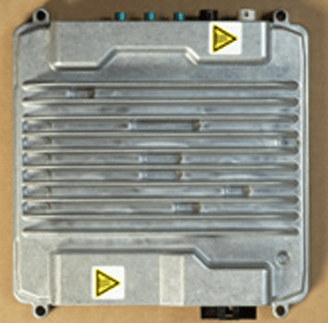
DVR module: the DVR subsystem’s main board.
-
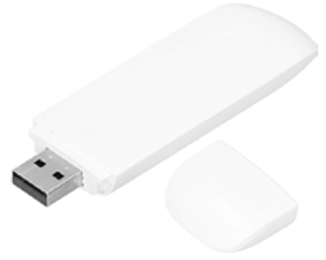
Connectivity Dongle: responsible for sending videos to the cloud and also sends the DVR’s connectivity status information to the MSA portal -> Fleet and Asset Screen.
-
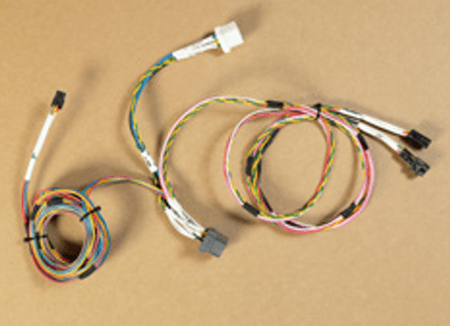
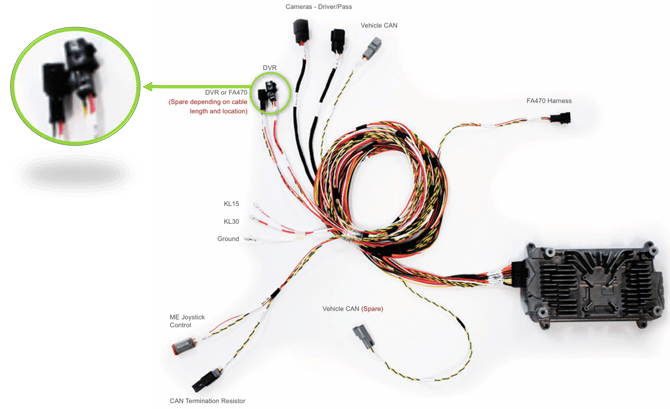
DVR Harness: connects the DVR module and its components to the MKII main harness.
-
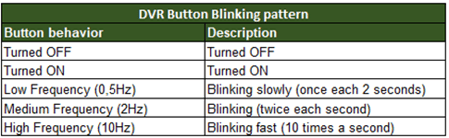
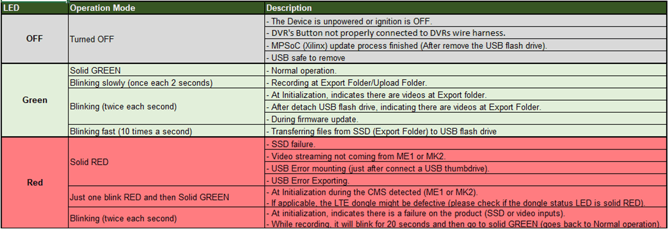
DVR trigger button + cable: connected to the DVR harness. When the system is on via the vehicle ignition , the button has an LED that lights up in various colors, depending on its status.
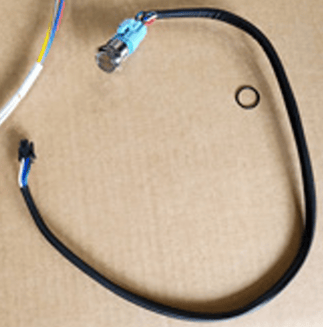
See the table below, which shows the different color patterns and LED flashing frequencies for the button:
-
Ethernet cable: receives video feed from the cameras via the ECU and sends them to the DVR for recording and storage on its internal SSD.
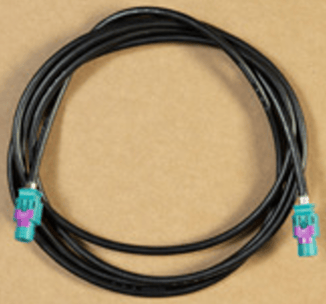
In case of problems with DVR button not illuminating even with the truck on for a while, follow the steps below:
1. Mandatory tools-
- Multimeter: will be used to measure the output voltage (V).
- Related connectors:
- DVR harness main connector:
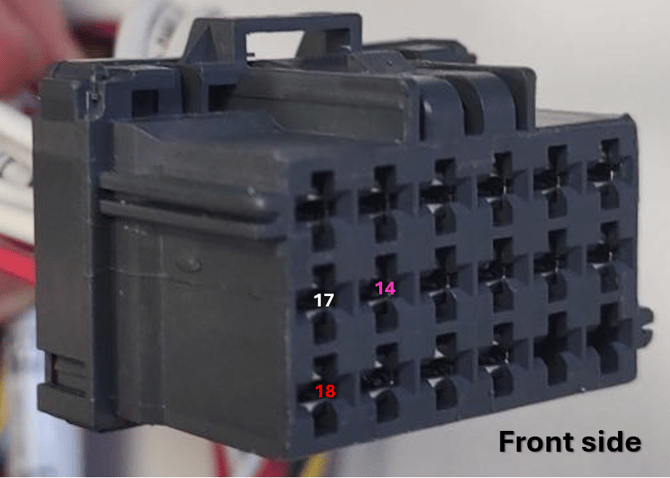 Related pinout table:
- DVR harness main connector:
| Pin ID |
Color (wire) |
Label | Description |
| 14 | Pink | KL15 | Power Ignition |
| 17 | White | GND | Ground |
| 18 | Red | KL30 | Power Battery |
-
-
-
Main harness DVR/FA470 connector:
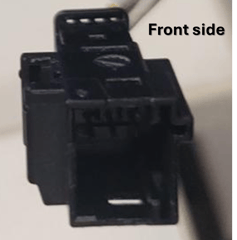
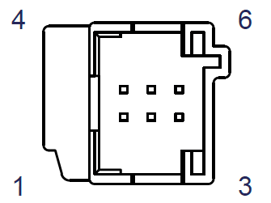
Related pinout table:
Pin Color (wire) Label Description 1 Red KL30 Power Battery 2 White GND Ground 4 Pink KL15 Power Ignition
-
-
-
- With key in the on position;
- Locate and remove the DVR main connector from the DVR module;
- Check for voltage :Set the multimeter to DC Voltage mode;
- Check for voltage: Pin 18 (Red wire) and Pin 17 (White wire)
The multimeter should show between 12V ~ 14V Power Supply; - Check for voltage: Pin 14 (Pink wire) and Pin 17 (White wire)
The multimeter should show between 12V ~ 14V Power Supply;
-
- If within range, move to step 3
If either step (d) or (e) are out of range, inspect the DVR harness for damage, repair or replace if needed
Verify the 6-pin mini connector of the DVR harness is fully seated to the Main Harness.
- If within range, move to step 3
-
- With vehicle power off, reconnect all connectors/harness from tests above;
- Turn the key on and wait 60-90 seconds for all modules to fully power / start up;
- Disconnect and reconnect the DVR Trigger button/cable combo from the DVR harness to verify it is fully connected;
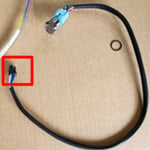
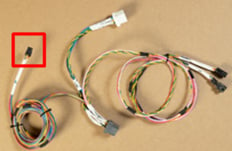
- Check if the trigger button lights up.
If all the above tests are passed within the specified ranges and the DVR button is still not illuminating, record the pin check results and please contact the Mirror Eye Technical Support Team for further assistance.
Release 6/8/2026